Label Groups
December 01, 2025
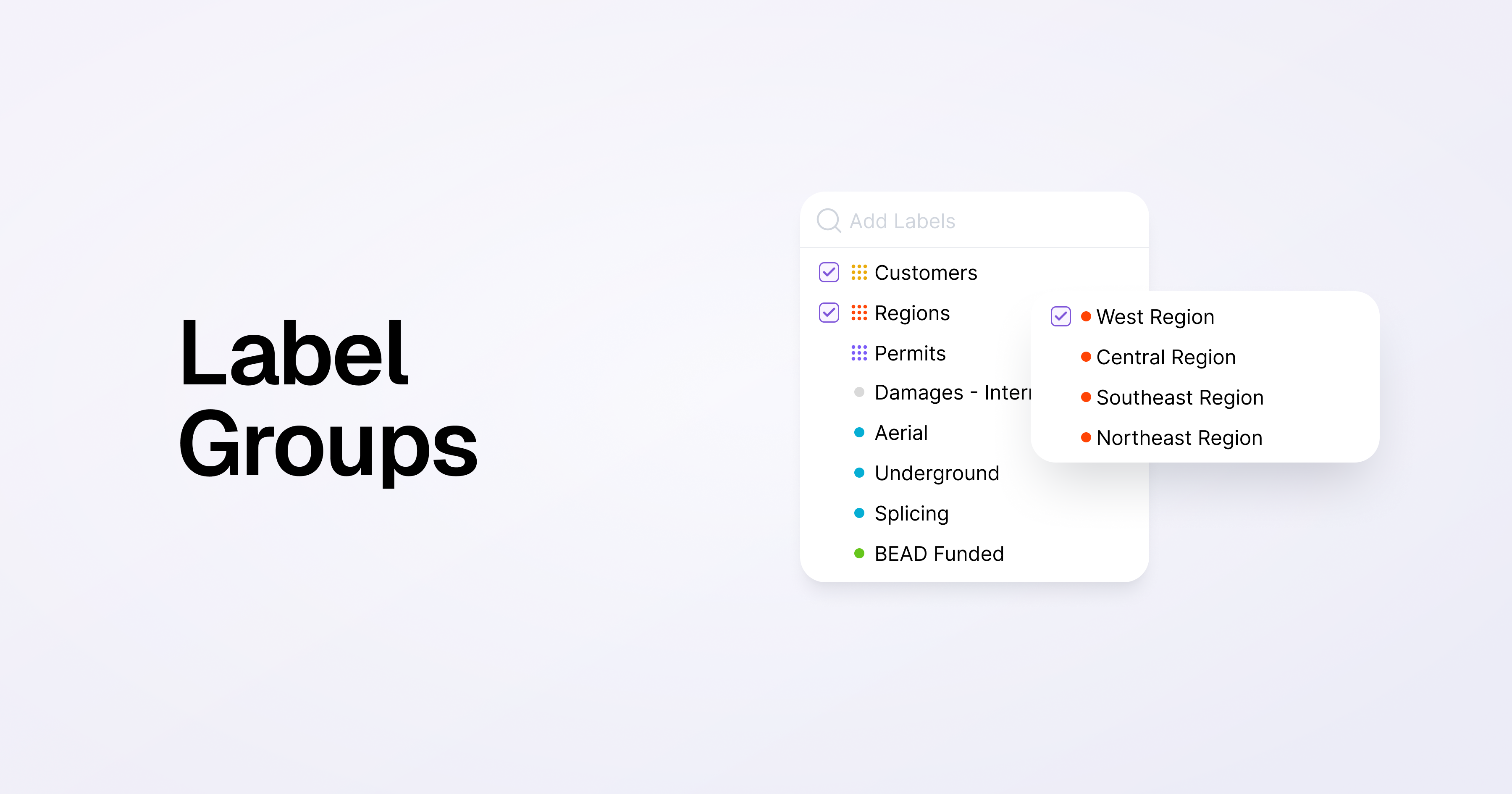
You can now organize project labels into label groups.
This feature lets you group similar labels into a single group, helping you keep your projects (and labels) organized, while giving more powerful tools for sorting, filtering, and reporting.
We've seen people use label groups to tag projects by region, type of work, or customer to name a few examples.
Note that label groups are exclusive - this means that a project can only have one label from each group.
To use label groups, go to Project Labels in Settings to create a label group and add existing labels to groups.
Additional Improvements & Bug Fixes
- Added a close button to the task side panel, to more easily get back to the task list when viewing a blueprint
- Made improvements to load and process large pdfs more easily without timing out
- Improved Locate ticket sync process