Changelog|Updates and improvements to Clad

Bid Request Editing

December 11, 2025

You can now edit bids after they have been sent out.

Previously, once an RFP was sent out, there was no way to adjust the specific line items or quantities that you were seeking pricing for. To edit bids, click the “...” menu on a bid.

We’ve also improved the bid review experience, with the following changes:

  1. You can now see the requested quantities after sending out a bid
  2. We’ve added more flexibility to the review screen, so you can see prices and quantities at the same time
  3. We’ve added an Activity Log to track changes and responses to an RFP

Label Groups

December 01, 2025

Label Groups

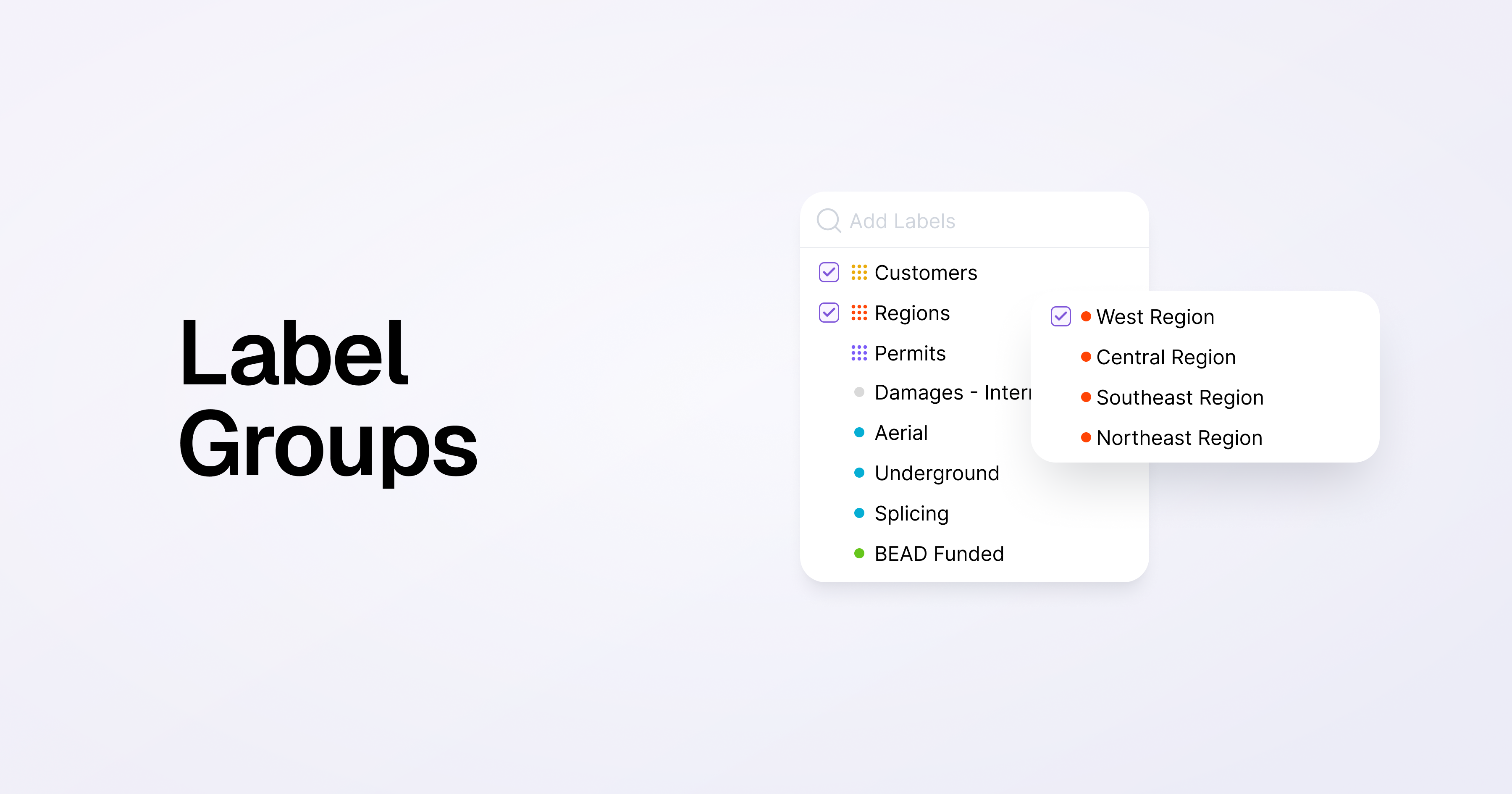
You can now organize project labels into label groups.

This feature lets you group similar labels into a single group, helping you keep your projects (and labels) organized, while giving more powerful tools for sorting, filtering, and reporting.

We've seen people use label groups to tag projects by region, type of work, or customer to name a few examples.

Note that label groups are exclusive - this means that a project can only have one label from each group.

To use label groups, go to Project Labels in Settings to create a label group and add existing labels to groups.

Additional Improvements & Bug Fixes

  • Added a close button to the task side panel, to more easily get back to the task list when viewing a blueprint
  • Made improvements to load and process large pdfs more easily without timing out
  • Improved Locate ticket sync process

Project Schedules

November 20, 2025

Project Schedules

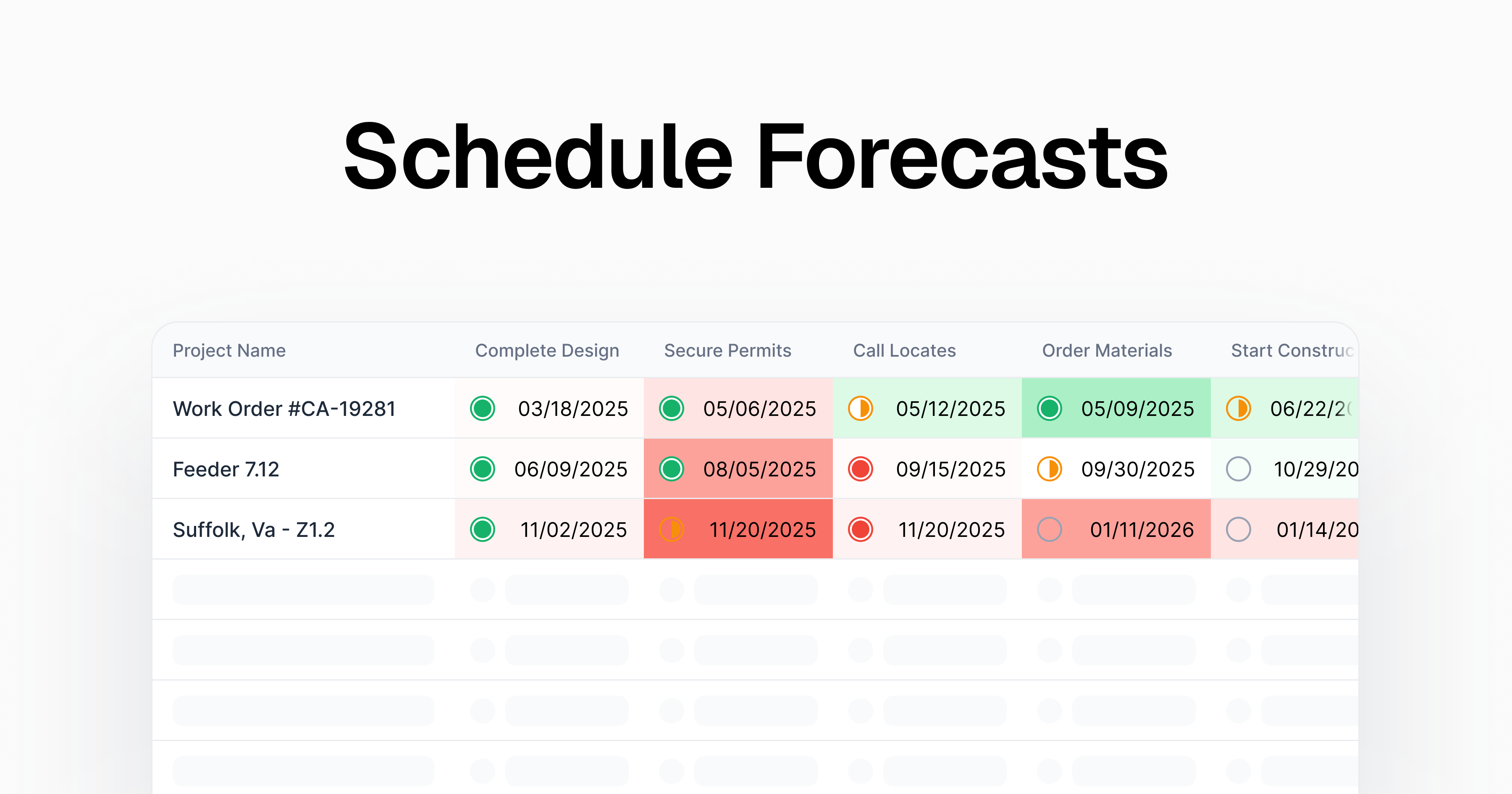
You can now add schedules to projects in Clad. Project Schedules let you track milestones for your projects, and set target dates for each task, assign owners.

We built Project Schedules to meet the unique needs of infrastructure - managing timelines for a portfolio of many similar projects at the same time.

Schedule Templates

You can apply a template to a project to quickly spin up a schedule with pre-built tasks, dependencies, durations, and owners. Templates speed up projet setup, so you can start managing work immediately rather than configuring each project from scratch.

Table View

View all project schedules in a single consolidated view. The table displays each project's tasks, status, and deadlines, making it easy to spot delays, trends, and manage many projects at once. You can also update dates and statuses directly in the table without opening individual projects.

To get started, create a new project and select a schedule template. Contact us to turn on this feature, and to help set up your templates today.