Schedule Forecasts
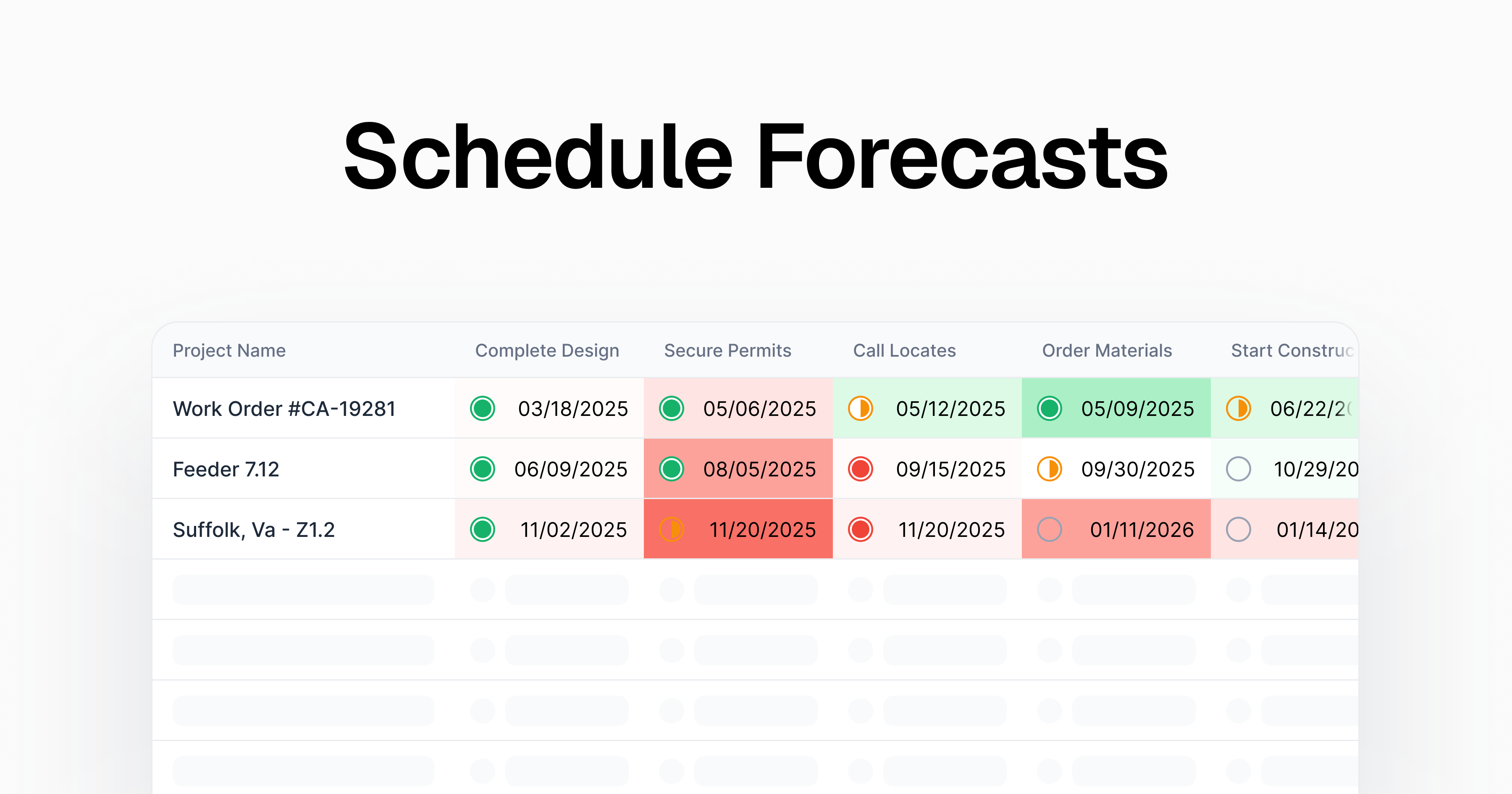
You can now build schedule forecasts in Clad. This lets you track how your actual schedule compares to an initial plan.
Comparing a forecast schedule to actual dates is a great way to identify bottlenecks in a project. And, because of our portfolio schedule view, you can now easily spot trends across projects - to find milestones that you regularly over- or under-perform your estimates/
Creating Forecast Schedules
You can create a snapshot of a project’s schedule and ‘freeze’ it as a forecast. Click the “Set Plan” button on a project’s schedule to lock the forecast. After that, you can track actual dates separate from the plan. You can also always re-set the forecast by resetting the plan at any point.
Table View Comparisons
On the table view, you’re able to compare all of your projects to their plan in one view. You can set the comparison mode to:
- Highlight - we’ll highlight the dates as red/green based on how over or under the plan they are
- Difference - we’ll call out the number of days off the actual date is from the plan
- Show date - we’ll show the plan date as well as the actual date for each milestone