
Default State Profiles
Start new 811 tickets with your company's defaults for each state already filled in.
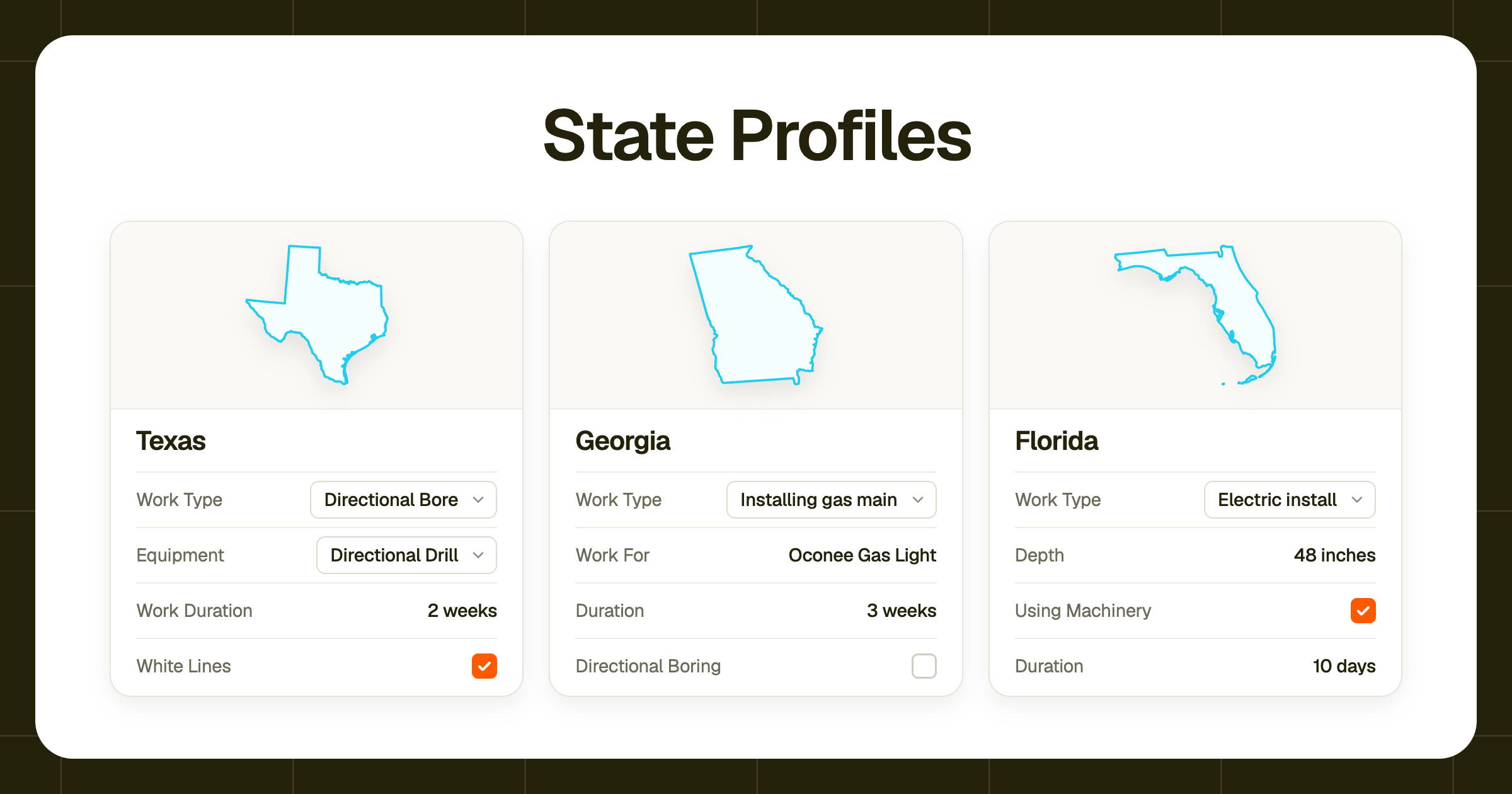
Clad can now pre-fill more fields on draft 811 tickets using your company's defaults.
A lot of what is included in an 811 ticket is the same every time - the type of work your company does, the equipment you're using, and how long a job will typically take.
Previously, you had to bulk apply these attributes each time you created a set of locate requests.
Now, with state profiles, when you draw a new locate, the draft starts with your defaults for that state already filled in. You can still change any field before you submit.
This is set up automatically for you - we look at tickets your company has submitted in the past to build each state's defaults. To review or change your defaults, go to 811 System Settings and click on a state. Admins can update them at any time, and changes apply to new drafts.
Additional Improvements
- Locates dashboard - Group By attributes - You can organize your locates dashboard in more flexible ways. We now let you group locates by project, job, status, state, and submitter.
- Renewals and remarks in more states - You can now renew and remark North Carolina and Florida tickets from Clad.
- Delete drafts from the review screen - Remove a draft from the review screen, without going back to the map to find it.